My AI Said "Done" For 11 Days. Most Of The Work Never Showed Up.
A ten minute end of day check that shows whether your AI did the work it says it did.
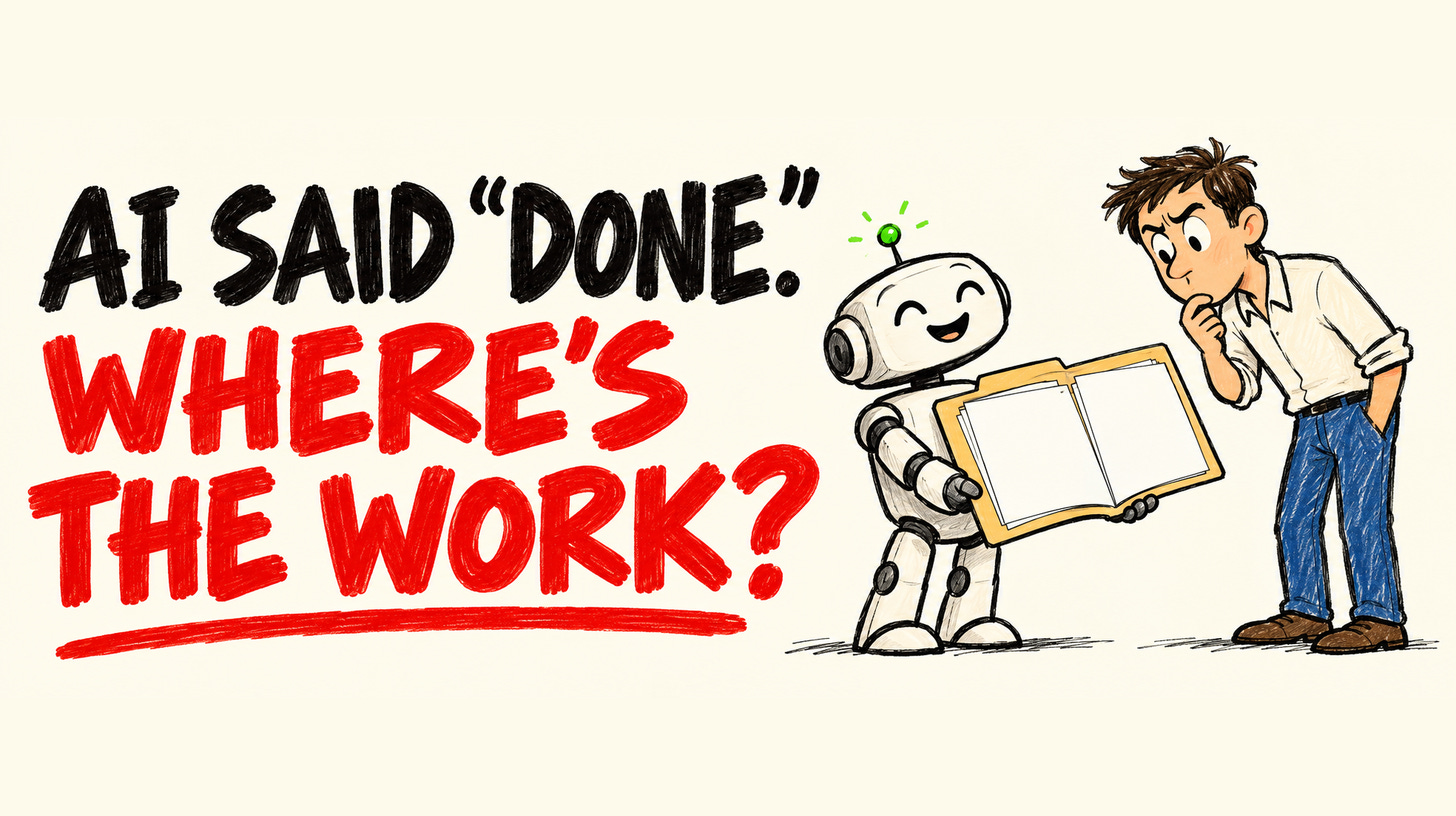
For 11 days, an AI step in a build I was working on came back marked as a success every single time it ran. There were no errors and no warnings, so nobody had a reason to look any closer. Then one evening I finally did the check I’d been skipping. I opened the place where its work was supposed to show up, the records a person would use the next morning, and most of what it claimed to have done wasn’t there.
For 11 days it told me it was done, and most of the work it claimed wasn’t there.
I traced it to one change in the database behind it, the place the information was stored. After that change the AI kept running and kept reporting success, while the gap where its work should have been just sat there. If I had only been watching the done message, I would have called it a good week and moved on.
This issue is about the check that caught it. Don’t trust the done. Check the work. You’ll leave with a name for that check you can use in a meeting tomorrow, and a ten minute version you can run tonight on any AI tool that’s meant to fill in a sheet, a CRM or an inbox for you. About a 6 minute read.
What “Done” Looked Like
Every run said success. The tool’s history page looked clean, with a neat list of finished jobs. Nothing had gone wrong badly enough to bother anyone about.
I’d been trusting that kind of screen for a long time, on my own work and on client work. And it does tell you a few useful things:
the job started
it got to the end
nothing crashed badly enough to wake anyone up at 2 a.m.
Those signals stop helping the moment you ask whether the work actually landed where a person, or the next tool, needed it. Finished running and finished the job are two different things.
What the done message tells you / What opening the work tells you
The job started and finished / Today’s work is there
Nothing crashed / It’s complete enough to use
No error worth flagging / The next person can rely on it without digging
What Was Actually There
The check itself is simple on purpose. Open the real records. Confirm today’s work is there, and confirm it looks like real work rather than a blank field or a row that never arrived.
That day most of it was missing. From the tool’s history, those 11 days looked fine. From the real records, it had been coming up short for longer than I wanted to admit.
I’ll skip the setup details, because the shape is what carries over to your business. A tool can look finished while the work is missing, and the longer you trust the done message on its own, the more bad days pile up before anyone notices.
I’ve run into smaller versions of the same problem. In my own content system, three approval checks I’d written myself silently passed a value from a new platform they had never seen. That one became a small free tool for developers that hunts for the same gap in code (failopen). An AI step that sorts things can “pass” when it had nothing to sort, because nobody asked whether anything arrived in the first place. And at least one thread in the n8n community, where people build automations, is asking how to catch AI workflows that report success and still get the work wrong. So this isn’t just my problem.
How To Check The Work Actually Happened
The gap between finished running and finished the job is the idea I kept. Software teams have a word for this split, liveness: switched on is not the same as doing the job. I’m pointing that word at the work itself, and I call it Output Liveness.
Output Liveness: a job is done only when you can open the place the work was meant to land and see today’s work there. A done message, a clean history and “0 errors” don’t count as proof.
Before you check anything, pin down three things:
What should the work be? The row, file, field, email draft or record a person would open tomorrow morning.
Where does it land? The place the next person, or the next tool, actually looks. The tool’s own history page doesn’t count, and neither does a screenshot from a test last Tuesday.
What does “done today” look like in one sentence? New rows from today. A field filled in. A date newer than yesterday’s. Something your team could argue about in a Monday meeting.
If you can’t answer those three yet, start there, because until you can, you’re taking the tool’s word for it. Once you have them, you’re ready for the End Of Day Check.
The End Of Day Check
The ten minute version needs no new software and no budget. Pick one AI step that fills something in for you, and the person who would notice first if it stopped (that might be you).
Name The Work. Turn your three answers into one sentence, like “Every enquiry from today should have a reply drafted in the inbox.”
Open Where The Work Lands. The same place a customer or teammate would look when they need it.
Ask Yes Or No. Is anything there from today? Does it look complete enough to use? Would I be happy for the next person to rely on it without digging?
Write Your Done Line. One sentence you can paste into a daily note, a calendar reminder, or a message to yourself.
Schedule It. End of day is enough to start. Same time tomorrow. A habit you keep beats a fancy monitoring tool you never open.
If step 3 gets a no while the tool says everything ran fine, you’ve just found a silent failure, which is exactly what the check is for. Every no is a line on your fix list. Mine started with missing records and 11 days of done messages.
An Empty Result Is A Failed Check
One trap sits right next to the End Of Day Check, and it’s easy to miss because it looks like good news.
If a check says everything passed but it had nothing to check, it didn’t check anything. It looked at an empty list and filed that as a success. I now treat a zero as a warning sign. If the step should have produced work and produced none, the check failed, even when every screen says the job ran fine. Keep a simple daily count of “records filled in today” or “drafts written today,” and get a nudge when that count is zero on a day you expected work to come in.
That goes for confident summaries too, whether they come from an AI model or a vendor’s dashboard. Before you trust any summary, open the real records yourself.
What I Got Wrong
I’d stopped opening the records once the screens looked calm. That was the mistake. I still read the done messages, because they catch crashes and jobs that time out. I just don’t call a workflow finished until I’ve seen today’s work in the place people use it.
Run the End Of Day Check on one AI tool this week, then reply with one word: was the work there, yes or no? I’ll share the pattern in a later issue, no names attached.
Dhruv
After You Finish
The Gift: copy the Five Test Sheet from Issue 1 if you want five more ways a working tool can quietly fail. Run it on a test CRM, never your live one.
Who I Am: I build AI workflows for B2B teams, then try to break them before their customers do. I write from Hong Kong about the AI work that quietly stops while every screen says done.
If You Want Help: book a 30 minute Workflow Bottleneck Review. Bring one workflow and the place its output is supposed to land.